
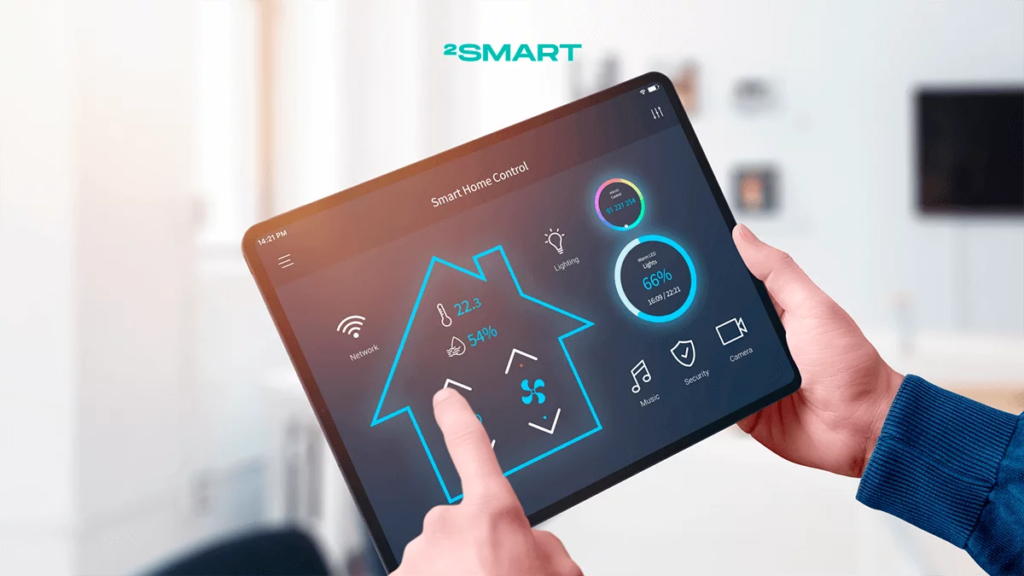
Imagine waking up in the morning and your alarm gently tells Smart Devices. you about the weather. You ask a speaker to play your favorite music without touching a single button. Your watch quietly tracks your steps, while your lights turn off automatically when you leave the room.
A few years ago, many of these things sounded like something from a science-fiction movie.
Today, they are becoming part of everyday life.
From smartphones and smartwatches to smart TVs, speakers, security cameras, and home appliances, smart devices are changing the way we interact with technology. They can connect to the internet, communicate with other devices, collect information, and sometimes even learn from our habits.
But have you ever stopped and wondered, how do smart devices actually work?
What makes a device “smart”? How does a smartwatch know how many steps you have taken? How can a smart speaker understand your voice? And how does a smart home device know when to turn the lights on or off?
The answer is a combination of sensors, software, internet connectivity, data processing, and sometimes artificial intelligence.
Let’s break it down in simple, human language.
What Is a Smart Device?
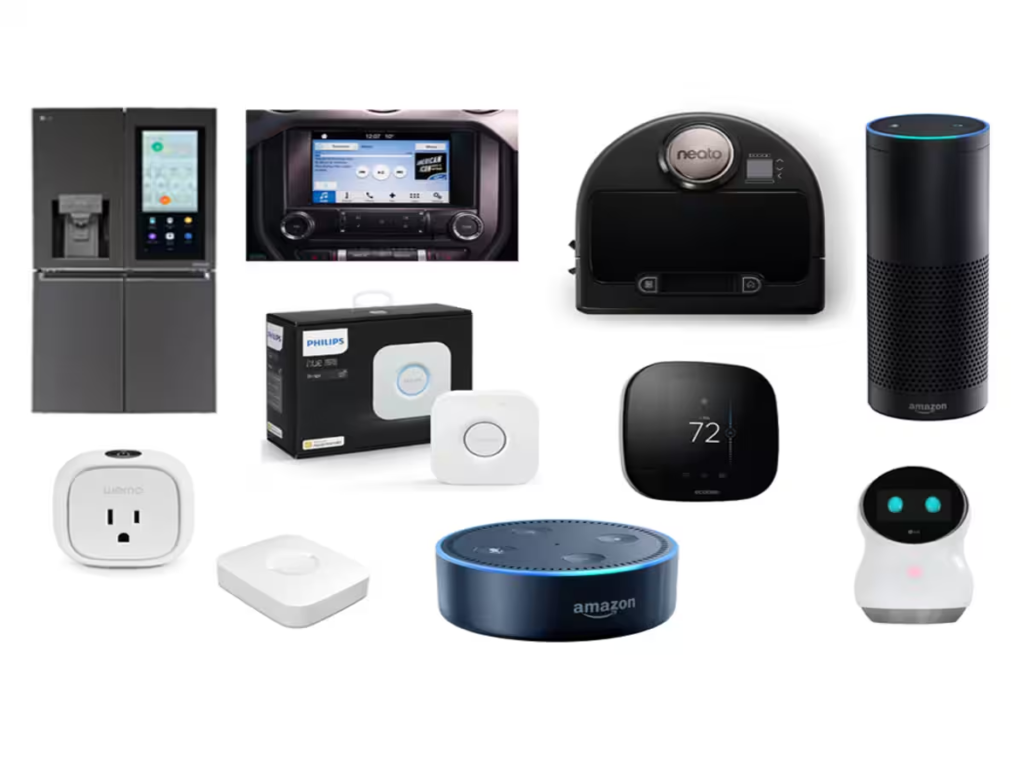
A smart device is an electronic device that can perform tasks using digital technology and, in many cases, connect to the internet or communicate with other devices.
Unlike traditional devices, smart devices can often collect information, process data, respond to commands, and automate certain actions.
For example, a traditional light bulb simply turns on when you press a switch.
A smart light can do much more.
You may be able to control it using your phone, set a schedule, adjust its brightness, or connect it to other smart home systems.
The basic idea is simple:
A smart device receives information, processes it, and responds in a useful way.
You can think of it as a small digital system that follows a pattern:
Input → Processing → Action
For example:
| Step | What Happens |
|---|---|
| Input | The device receives information or a command |
| Processing | Software analyzes the information |
| Decision | The system decides what should happen |
| Action | The device performs a task |
| Feedback | The device may send information back to you |
This process happens in many different forms, depending on the type of smart device.
The Main Technologies That Make Devices Smart
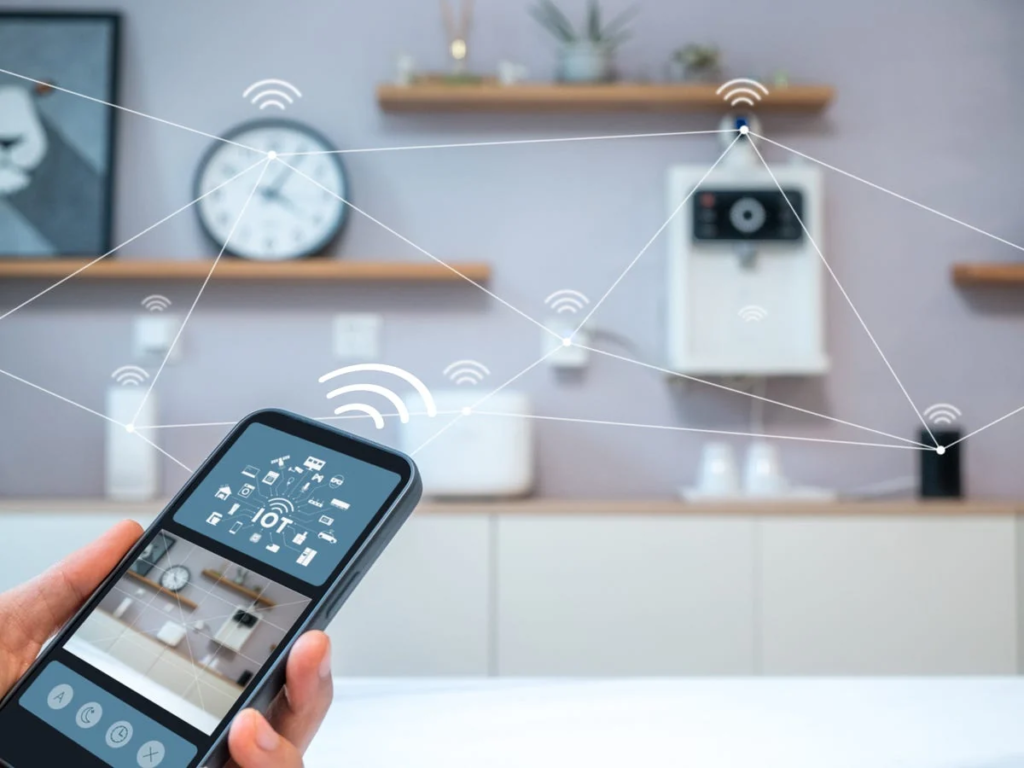
Smart devices may look simple from the outside, but inside they contain several technologies working together.
Some of the most important parts include:
| Technology | What It Does |
|---|---|
| Sensors | Detect movement, temperature, light, sound, or other changes |
| Processor | Processes information and controls device functions |
| Software | Tells the device how to perform different tasks |
| Internet Connection | Allows communication with online services and other devices |
| Wireless Technology | Connects devices using Wi-Fi, Bluetooth, or similar technologies |
| Cloud Services | Can store and process information remotely |
| Artificial Intelligence | Helps some devices recognize patterns and respond intelligently |
Think of a smart device like a small team.
Sensors observe what is happening. The processor thinks about the information. The software gives instructions. Connectivity allows communication. And the device performs an action.
All these parts work together, often within seconds.
How Sensors Help Smart Devices Understand the World
Sensors are one of the most important parts of many smart devices.
In a simple way, sensors act like the eyes, ears, and senses of a device.
For example, a smartwatch may use sensors to detect movement. A smart thermostat may measure the temperature of a room. A security camera may detect motion.
Here are some common examples:
| Type of Sensor | What It Can Detect | Example Device |
|---|---|---|
| Motion Sensor | Movement | Smart security system |
| Temperature Sensor | Heat and temperature | Smart thermostat |
| Light Sensor | Brightness | Smart lighting |
| Microphone | Sound and voice | Smart speaker |
| Accelerometer | Movement and direction | Smartphone or smartwatch |
| Camera Sensor | Images and video | Smart security camera |
Imagine walking into a dark room.
A motion sensor notices that something has moved. The system processes that information and sends a command to the smart light.
Within seconds, the light turns on.
You did not press a switch. The device simply responded to information from its environment.
That is one of the basic ideas behind smart technology.
How Smart Devices Connect to the Internet
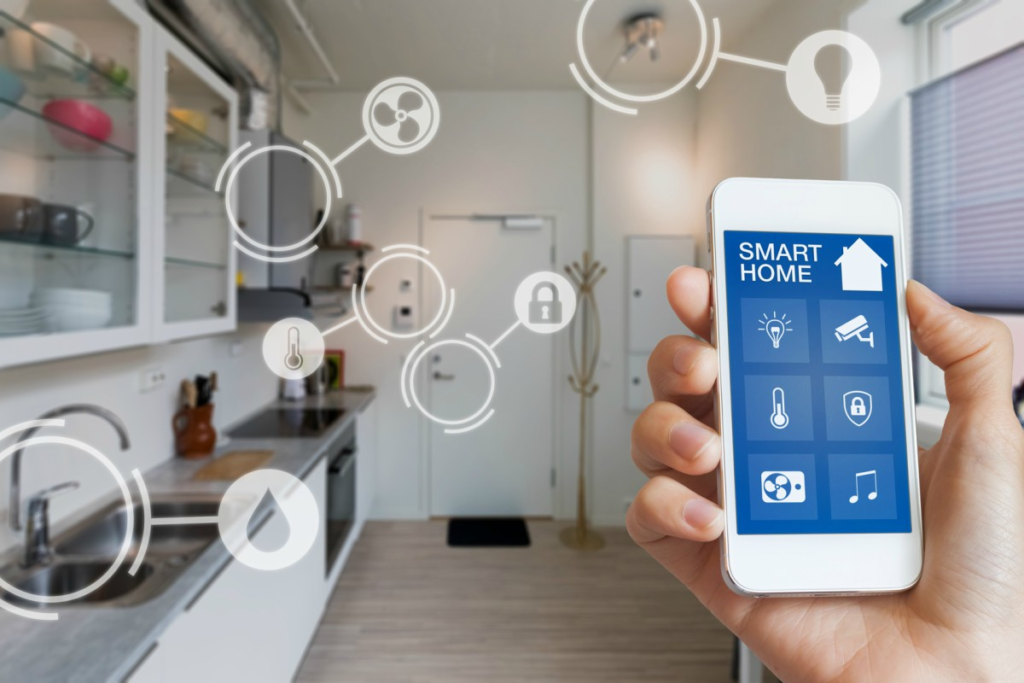
Many smart devices become more useful because they can communicate beyond the room where you are standing.
They often use technologies such as Wi-Fi, Bluetooth, cellular networks, or other wireless connections.
For example, when you control a smart device using an app, the command may travel from your phone to the device through a wireless connection.
Imagine telling your smart speaker:
“Turn off the living room lights.”
The command may go through several steps:
- The microphone receives your voice.
- Software recognizes the command.
- The system identifies the smart light.
- A signal is sent to the light.
- The light turns off.
All of this can happen very quickly.
The interesting part is that several technologies may be working together in the background, even though from your perspective, you simply said a sentence and the room became dark.
How Smart Devices Communicate With Each Other

One of the most useful features of smart technology is device communication.
A smart home can include multiple connected devices that work together.
For example, imagine this situation:
You leave home.
Your smartphone’s location or a smart home routine recognizes that you have left.
The system may then:
- Turn off unnecessary lights.
- Adjust the temperature.
- Activate security features.
- Lock compatible smart locks.
This type of system is often called automation.
Instead of manually controlling every device, you create rules that tell the system what to do under certain conditions.
For example:
IF motion is detected after 11 PM → Turn on hallway light.
Or:
IF the temperature becomes too high → Turn on cooling system.
This is similar to giving a device a simple set of instructions.
How Artificial Intelligence Makes Some Devices Smarter
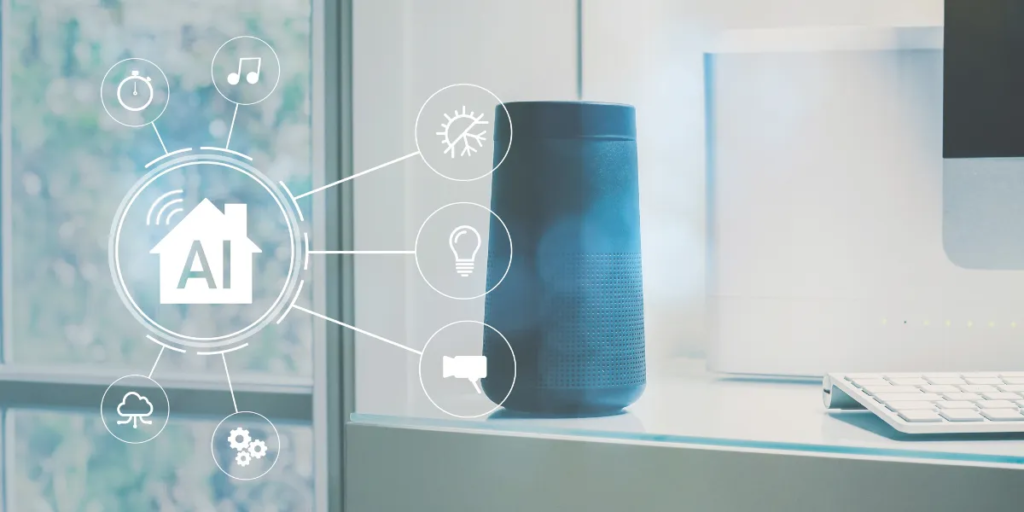
Not every smart device uses advanced artificial intelligence. However, AI can help certain devices perform more complex tasks.
For example, AI may help a device:
- Recognize voice commands.
- Identify objects in images.
- Detect unusual patterns.
- Personalize recommendations.
- Learn from repeated behavior.
Imagine a music app that notices you often listen to calm music in the evening.
Over time, the system may recommend similar music.
Or consider a smart camera that can analyze what it sees and help distinguish between different types of movement.
The important idea is that AI allows some systems to recognize patterns and make predictions based on information.
However, smart devices are not magical.
They depend on the quality of their sensors, software, data, and instructions.
Sometimes they misunderstand commands.
Sometimes they fail to connect.
Sometimes they do something unexpected, and you find yourself saying, “That is not what I asked you to do!”
Technology can be impressive, but it is still technology.
Understanding the Role of Cloud Technology

Some smart devices do not perform all their processing inside the device itself.
Instead, certain information may be sent to remote computer systems known as cloud servers.
For example, a device may record information, send it through the internet, and receive a response.
The process may look something like this:
Smart Device → Internet → Cloud System → Processing → Response → Smart Device
This can allow devices to perform tasks that require more computing power or access to online information.
For users, the process usually feels simple.
You ask a question.
The device processes the request.
A response appears.
Behind that simple experience, however, multiple systems may be communicating within a matter of seconds.
Common Types of Smart Devices
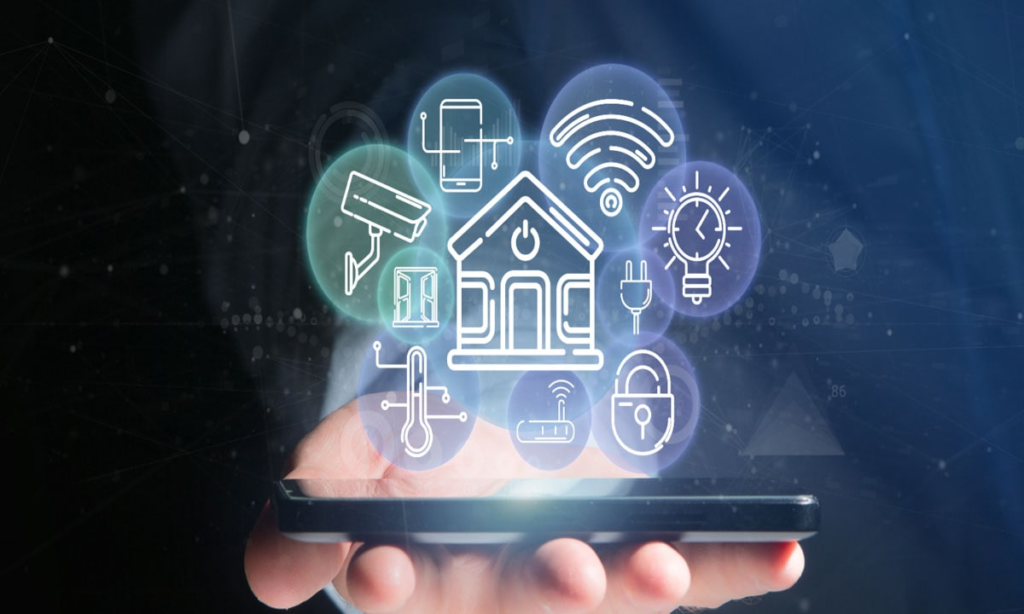
Smart technology is now used in many areas of everyday life.
| Smart Device | What It Can Do |
|---|---|
| Smartphone | Connect, communicate, run apps, and access online services |
| Smartwatch | Track activity, display notifications, and support health-related features |
| Smart Speaker | Respond to voice commands and control connected devices |
| Smart TV | Stream content and connect to online services |
| Smart Thermostat | Monitor and adjust temperature settings |
| Smart Lights | Allow remote control and automated schedules |
| Smart Security Camera | Monitor an area and send alerts |
| Smart Doorbell | Notify users when someone approaches or rings |
| Smart Appliances | Offer connected monitoring and control features |
Each device is different, but most follow the same general idea:
Collect information → Process information → Communicate → Perform an action.
How Automation Makes Everyday Life Easier

One reason people enjoy smart devices is convenience.
Automation can reduce the number of small tasks you need to remember.
Imagine waking up in the morning.
Instead of manually doing everything, you could create a routine where compatible devices perform certain actions automatically.
For example:
| Time or Trigger | Automated Action |
|---|---|
| Morning alarm | Lights gradually turn on |
| You leave home | Lights turn off |
| Motion is detected | Security system sends an alert |
| Room becomes dark | Smart lights activate |
| Scheduled time | Device performs a selected action |
These small actions may not completely change your life, but they can make routines feel smoother.
The real value of smart technology often appears in the small moments.
You are carrying groceries and do not want to search for a light switch.
You are already in bed and realize you forgot to turn something off.
You are away from home and want to check whether everything is okay.
In those moments, smart devices can offer convenience and control.
The Benefits of Using Smart Devices
Smart devices can offer several advantages depending on how they are used.
Convenience
You can control certain devices remotely or automate repetitive tasks.
Connectivity
Devices can communicate with apps, online services, or other compatible devices.
Personalization
Some devices allow you to adjust settings based on your preferences.
Monitoring
Smart sensors and connected systems can provide notifications and updates.
Energy Management
Some smart systems can help users monitor or manage how certain devices operate.
The goal is not to fill your home with technology simply because it is new.
The most useful smart device is usually the one that solves a real problem or makes an everyday task easier.
Challenges and Limitations of Smart Devices
Smart technology is useful, but it is not perfect.
Like any technology, smart devices can have challenges.
One of the biggest concerns is privacy.
Smart devices may collect different types of information depending on their purpose. That is why it is important to understand what information a device collects and how the manufacturer handles it.
Security is another important issue.
Connected devices can potentially create risks if they are poorly protected. Using strong passwords, keeping software updated, and reviewing privacy settings can help improve security.
Another challenge is compatibility.
Not every smart device works perfectly with every other device.
A product may use a different ecosystem, app, or communication standard.
Internet connection can also affect performance.
If your Wi-Fi stops working, some connected features may stop working too.
And, of course, technology sometimes behaves in unexpected ways.
A device may misunderstand a voice command, disconnect at the wrong time, or require troubleshooting when you are already busy.
That is why smart does not always mean effortless.
Simple Tips for Using Smart Devices Safely
Before connecting a new smart device, consider a few simple habits:
| Safety Tip | Why It Matters |
|---|---|
| Use strong passwords | Helps protect your accounts and devices |
| Update software | Fixes bugs and security weaknesses |
| Review privacy settings | Helps you understand data-sharing options |
| Secure your Wi-Fi network | Reduces the risk of unauthorized access |
| Remove unused accounts | Limits unnecessary access |
| Buy from trusted brands | Can improve access to updates and support |
You do not need to become a technology expert.
A few simple habits can make a meaningful difference.
Treat your smart devices the same way you would treat other important digital tools—with a little attention and common sense.
What Does the Future of Smart Devices Look Like?
Smart devices will likely continue becoming more connected, automated, and personalized.
We may see devices that communicate more smoothly, respond more naturally, and require less manual setup.
Artificial intelligence may also make some devices better at understanding patterns and providing useful assistance.
Imagine technology that quietly supports your daily routine instead of constantly demanding your attention.
That may be one of the most interesting directions for future smart devices.
But there is also an important human question:
How much technology do we actually need?
The goal should not be to automate every single moment of life.
Sometimes, switching off your phone, opening a window, taking a walk, or simply sitting quietly without a notification can be just as valuable.
Technology should ideally support human life, not make us feel like we are constantly serving technology.
The future of smart devices is not only about making devices more intelligent.
It is also about making technology more useful, secure, simple, and human-centered.
FAQ’S
1. What is a smart device?
A smart device is an electronic device that can connect, communicate, collect information, and perform useful tasks using technologies such as sensors, software, wireless connectivity, and the internet.
2. How do smart devices work?
Smart devices generally follow a simple process: receive information, process it, and perform an action. They may use sensors, software, processors, Wi-Fi, Bluetooth, cloud services, or artificial intelligence to complete tasks.
3. What makes a device “smart”?
A device is considered smart when it can do more than perform a basic manual function. Smart devices can often connect to networks, respond to commands, collect data, automate tasks, or communicate with other devices.
4. What are the main components of a smart device?
Most smart devices include sensors, processors, software, connectivity technology, and a power source. Some devices also use cloud computing and artificial intelligence for additional features.
5. What types of sensors do smart devices use?
Smart devices may use motion sensors, temperature sensors, light sensors, microphones, cameras, accelerometers, and location sensors depending on their purpose.
Wearable Technology: Smart Devices Shaping the Future of Everyday Life
Technology has become something we carry everywhere. Our phones are in our pockets, laptops sit…

Transformative Biotech and Health Tech: Smart Innovations for Better Health
From smartwatches that count our steps to advanced laboratories studying genes and diseases, Biotechnology makes…

Business Planning & Strategy: From Idea to Business Growth
Starting a business often begins with a simple thought: “What if I turn this idea…

Proven Strategies to Boost Content Performance and Growth
Creating Content takes time. You choose a topic, write the article, Content make images, create…

The Ultimate Practical Guide to Personal Growth
Personal growth is not about becoming a completely different person. It is about understanding yourself…

How to Build a Creator Business and Make Money Online
Creating content online used to sound like something only famous Business YouTubers, influencers, or celebrities…
Self-Driving Cars: A Complete Guide to Autonomous Vehicles
Imagine getting into your car after a long day, entering your destination, and simply sitting…