

When I first started working from home, I thought all I needed was a laptop and a quiet corner. I quickly realized that working from home is very different from working in an office. Small distractions, discomfort, and inefficient setups slowly started affecting my focus and productivity.
Over time, I didn’t upgrade everything at once. Instead, I made small, simple tech upgrades—one by one. These changes didn’t just improve my work setup; they made my entire workday smoother and less tiring.
In this blog, I’m sharing the tech upgrades I personally use and how they genuinely made my home office more efficient. Nothing fancy, nothing unnecessary—just practical upgrades that worked for me.
- Why I Decided to Upgrade My Home Office
- 2. Wireless Keyboard and Mouse – Small Upgrade, Big Comfort
- 3. Noise-Canceling Headphones – Better Focus, Fewer Distractions
- 4. Laptop Stand – Improved Posture Instantly
- 5. Desk Lamp with Adjustable Brightness
- 6. Smart Power Strip – Organized and Safe
- 7. High-Speed Internet Upgrade – Worth Every Penny
- 8. Webcam Upgrade – Clearer Communication
- 9. Cable Management Accessories – Less Mess, More Focus
- What I Learned from These Tech Upgrades
- Final Thoughts
Why I Decided to Upgrade My Home Office
At the beginning, my workdays felt longer than they should have. I noticed:
- Neck and eye strain
- Slow workflows
- Constant cable mess
- Too many interruptions
I realized that the problem wasn’t my workload—it was my setup. A few smart tech upgrades could save time, reduce stress, and improve focus.
1. External Monitor – A Total Game Changer
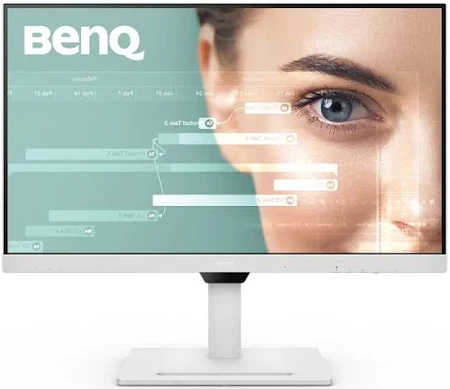
This was the first upgrade I made, and honestly, the most impactful.
Earlier, I worked only on my laptop screen. Switching between tabs, documents, and tools was exhausting. After adding an external monitor:
- I could multitask easily
- Editing and research became faster
- Eye strain reduced
I usually keep one screen for writing and the other for research or reference. This simple setup saved me a lot of time daily.
Personal experience:
Once I got used to a bigger screen, I couldn’t imagine going back.
2. Wireless Keyboard and Mouse – Small Upgrade, Big Comfort
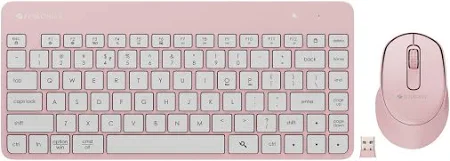
Using a laptop keyboard for long hours started affecting my posture. I felt wrist discomfort and constant tension.
Switching to a wireless keyboard and mouse helped me:
- Sit more comfortably
- Adjust screen height properly
- Work longer without discomfort
Wireless devices also reduced desk clutter and made my workspace look cleaner.
3. Noise-Canceling Headphones – Better Focus, Fewer Distractions

Working from home means dealing with background noise—traffic, conversations, or random sounds.
Noise-canceling headphones helped me:
- Focus during deep work
- Attend meetings clearly
- Stay productive even in noisy environments
I use them not just for meetings but also while writing or planning.
4. Laptop Stand – Improved Posture Instantly
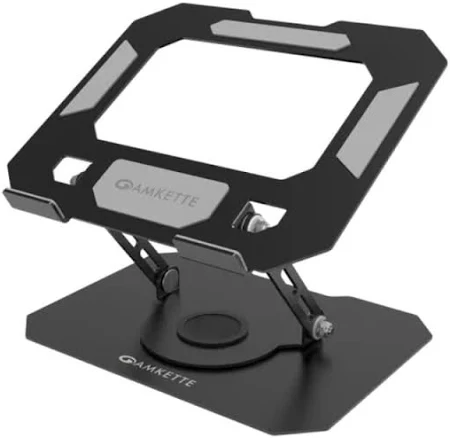
This is one of the simplest and most affordable upgrades.
Before using a laptop stand:
- My neck was always bent
- My posture was poor
With a laptop stand:
- Screen is at eye level
- Neck and back strain reduced
- Desk looks more organized
It’s a small product, but it made a noticeable difference in my daily comfort.
5. Desk Lamp with Adjustable Brightness
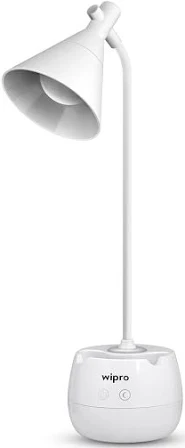
Lighting affects focus more than we realize.
I added a desk lamp with adjustable brightness, and it helped:
- Reduce eye strain
- Improve focus during evening work
- Create a calm work atmosphere
Soft, focused lighting made my workspace feel professional and comfortable.
6. Smart Power Strip – Organized and Safe
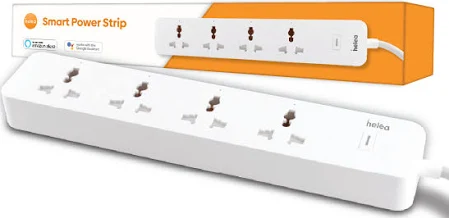
I used to have too many plugs everywhere. It was messy and unsafe.
A smart power strip helped me:
- Manage multiple devices easily
- Reduce cable chaos
- Turn devices on and off quickly
It also made my desk area look cleaner and more organized.
7. High-Speed Internet Upgrade – Worth Every Penny
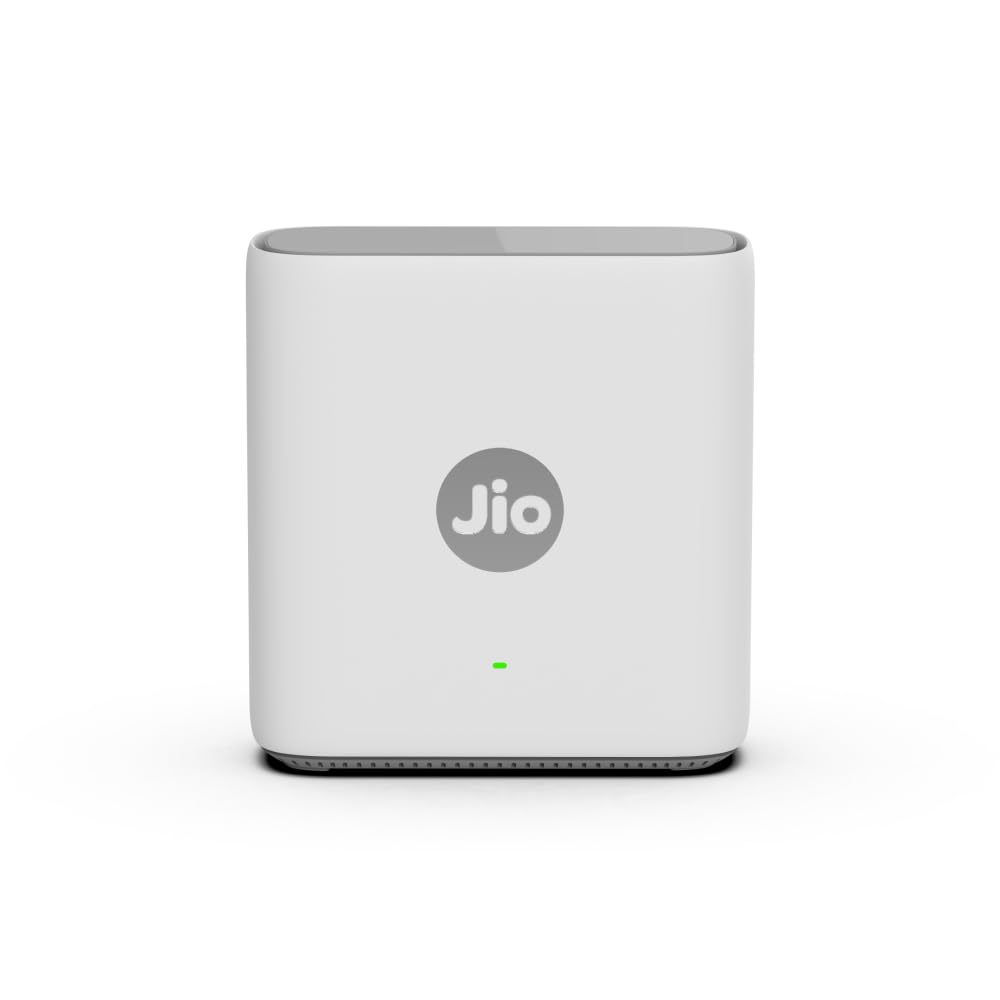
This was a practical upgrade.
Slow internet caused:
- Interrupted meetings
- Delays in uploads
- Frustration
Upgrading my internet plan improved:
- Video call quality
- File uploads
- Overall work speed
Reliable internet is the backbone of a productive home office.
8. Webcam Upgrade – Clearer Communication
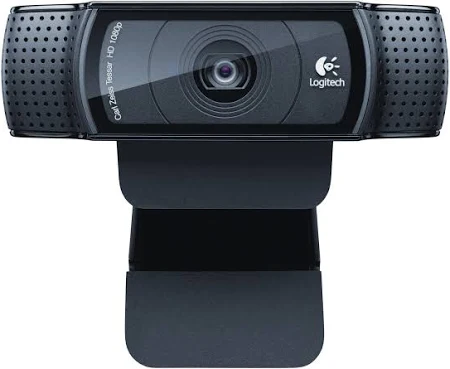
Built-in laptop cameras are often average.
I switched to an external webcam for:
- Better video quality
- Professional appearance in meetings
- Clearer communication
This upgrade helped me feel more confident during virtual meetings.
9. Cable Management Accessories – Less Mess, More Focus
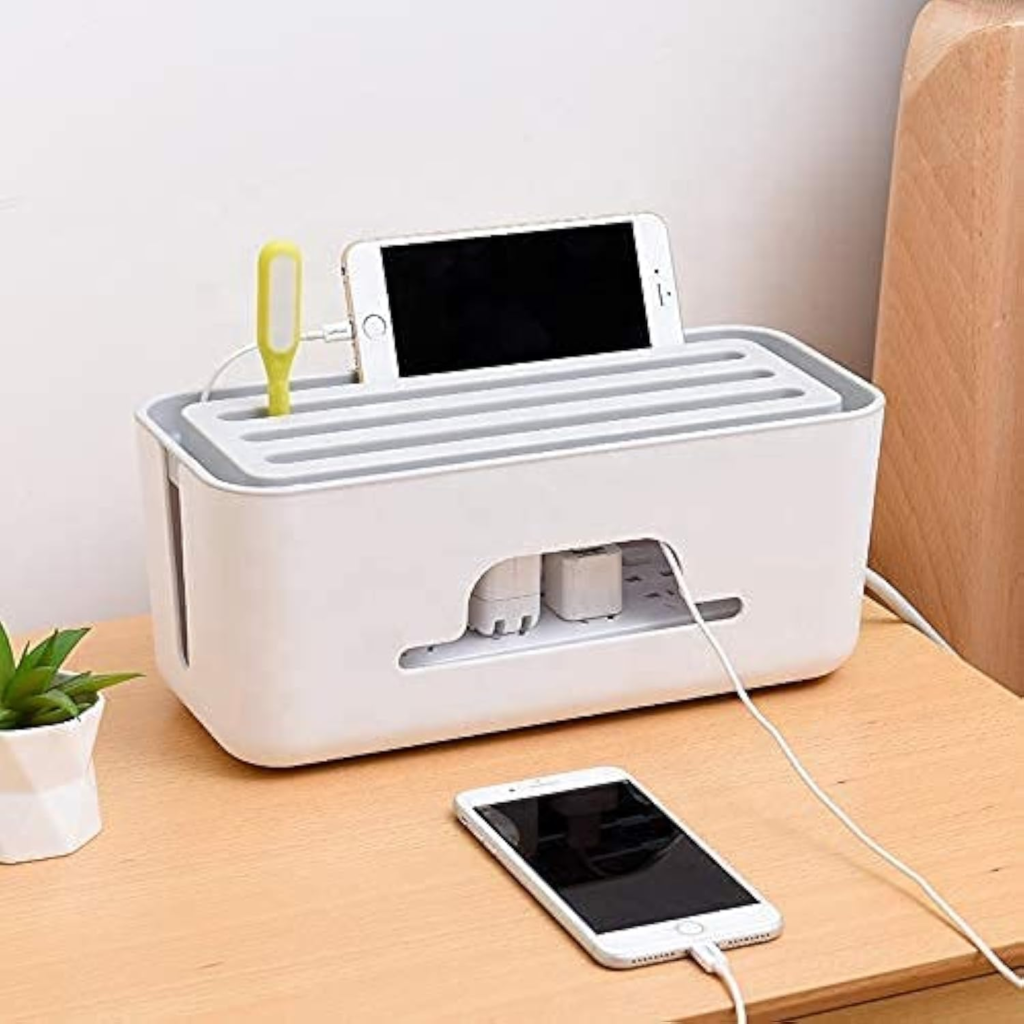
Messy cables may seem harmless, but they create visual stress.
Using:
- Cable clips
- Cable sleeves
helped me:
- Keep my desk neat
- Find chargers easily
- Feel more organized
A clean desk truly supports a clear mind.
What I Learned from These Tech Upgrades
After using these upgrades daily, I learned something important: Efficiency doesn’t come from expensive gadgets. It comes from thoughtful upgrades that support your workflow.
These small tech changes:
- Saved time
- Reduced physical discomfort
- Improved focus
- Made workdays smoother
Final Thoughts
You don’t need a perfect home office to be productive. You just need a setup that supports you.
I didn’t upgrade everything at once. I listened to my daily struggles and solved them one by one. That’s what made the biggest difference.
If you’re working from home and feeling tired or unfocused, look at your setup. A few simple tech upgrades might be all you need to make your home office more efficient.
This blog post is based on my personal experience and daily use. The tech products mentioned are shared for informational purposes only. Results may vary depending on individual work style and home office setup. Please do your own research before purchasing any product.
#HomeOfficeSetup #TechUpgrades #WorkFromHome #HomeOfficeTech #ProductivityTools #SmartWorkspace #RemoteWorkLife #OfficeEssentials #WorkFromHomeTips #DeskSetup #DigitalLifestyle #EfficientWorkspac #Carrerbook #Anslation